

The Best eSIM for Travel? An Honest Review

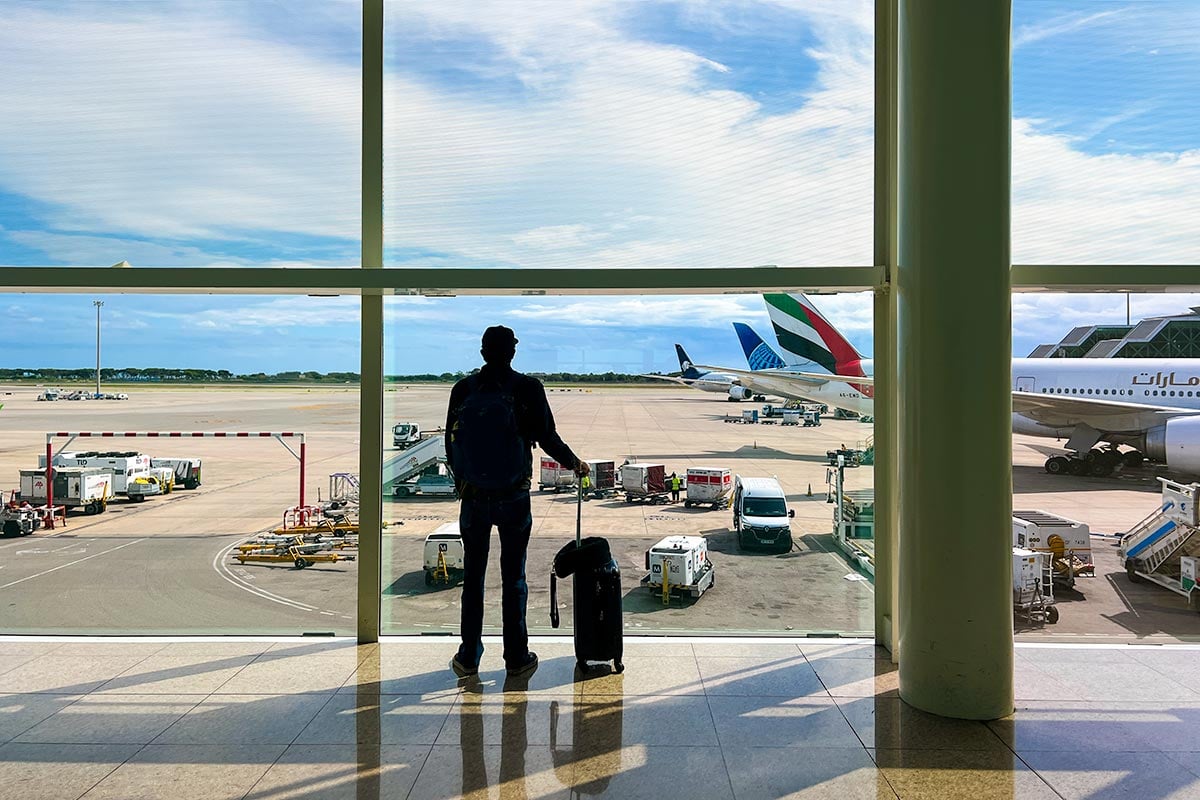
I’ve traveled internationally enough to know that staying connected can either be completely seamless — or become one more thing to figure out when you’ve just landed in a new country.
I often use my phone carrier’s international service when I travel, so I’m not someone who automatically buys an eSIM for every trip, but there are trips where having a separate eSIM makes sense, particularly when I want more high-speed data, better coverage, or simply want to have a backup option while traveling. I’ve used an eSIM in destinations like the Philippines and the Cook Islands when I wanted to make sure I stayed connected without relying on my phone’s international plan.
A recent trip to the Bahamas with my family was a good reminder of why it’s worth figuring out your phone service before you leave home. None of my family members had international plans, and they hadn’t planned ahead for how they would stay connected. They ended up using their regular phone service while we were there and came home to a hefty bill.
It’s an easy mistake to make. When you’re traveling, you don’t necessarily think twice about using your phone to pull up directions, check a restaurant, message someone, look up an attraction, or share photos. But international data charges can add up quickly if you don’t have the right plan.
I can remember the days when getting connected abroad meant finding a shop selling local SIM cards and then trying to figure out how to get it to work on your phone. eSIMs have thankfully made that process much simpler, but I know the technology can still feel a little intimidating if you’ve never used one. So I decided to put Sim Local to the test and walk through the process from start to finish.
Table of Contents
Why Should You Use an eSIM for Travel?
There are plenty of times when having internet on your phone while traveling is more than just a convenience (and as a solo traveler, it is a must!). It can make getting around easier, help you stay in touch, and save you from hunting for Wi-Fi every time you need to look something up.
You can use maps wherever you go.
I still remember the days of traveling with a paper map, but Google Maps has made getting around so much easier. With mobile data, you don’t have to wait until you find Wi-Fi to figure out where you’re going. You can download maps for offline use, but in my experience, they don’t always work 100% of the time.
You can book transportation when you need it.
Whether you’re calling a rideshare, checking a taxi app or looking up a train or bus schedule, having internet access makes getting from one place to another much easier. This is especially helpful when you’ve just arrived somewhere and don’t know the area yet.
You can translate things as you go.
Google Translate is one of those apps I find myself using more when I’m traveling. You can translate a menu, a sign, a message or even have a conversation translated without having to find Wi-Fi first.
You can stay in touch.
Sometimes you just need to send a quick message to your travel companion, check in with family back home or contact your hotel about a reservation. It’s nice not to have to hunt down Wi-Fi every time you need to send a text.
You can look things up when you need them.
Travel plans change constantly. A restaurant might be closed, a flight might be delayed, a tour meeting point might be different than you expected, or you might suddenly need to find a pharmacy. Having data means you can figure things out as they come up.
And then there’s the financial side of it.
If your regular phone plan doesn’t include international data, an eSIM can be a way to know what you’re spending on connectivity before you leave instead of finding out when your phone bill arrives.
Read more: 35 Best Travel Hacks to Save Money (Tried & Tested After 20 Years of Travel)
What I Like About Sim Local
One of the things I really like about Sim Local is how many destinations they cover. There are plans available across 220+ destinations, so you’re not limited to just a handful of popular vacation spots.
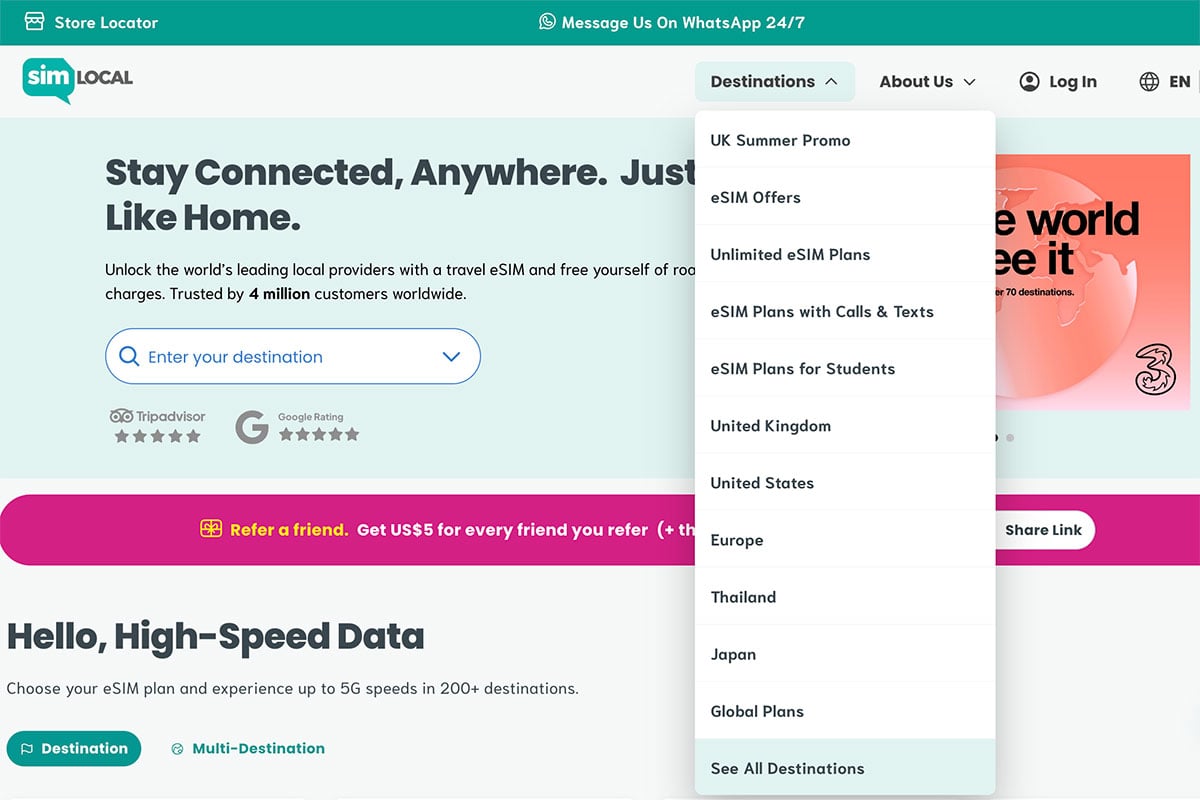
I also like that you can choose between plans based on where you’re going, how much data you expect to use, and how much you want to spend. There are per-GB and unlimited options, with plans ranging from 1GB up to unlimited. You can also choose between local, regional and global plans depending on your trip.
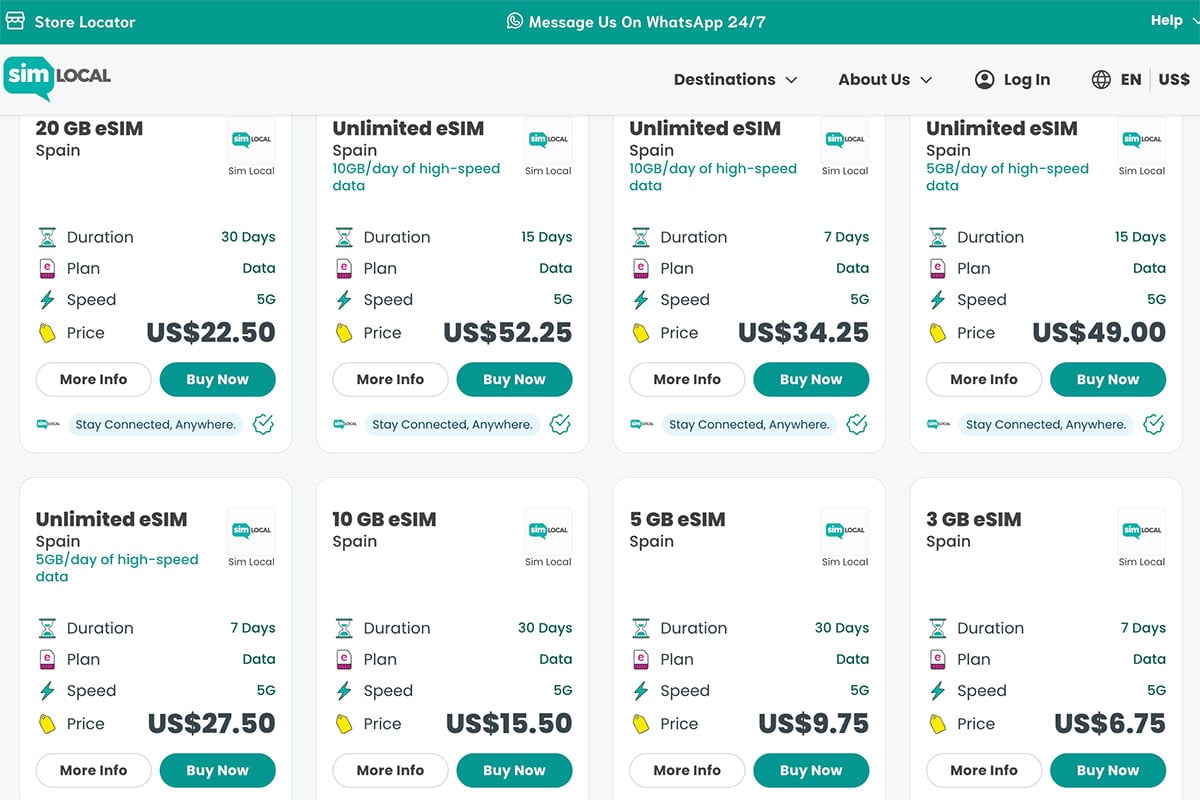
Some travelers barely use their phones beyond Google Maps and messaging, while others are constantly uploading photos, watching videos, using social media or working remotely. Those are very different data needs, so I’d rather have the option to choose an affordable plan that fits my trip than pay for more data than I’ll ever use.
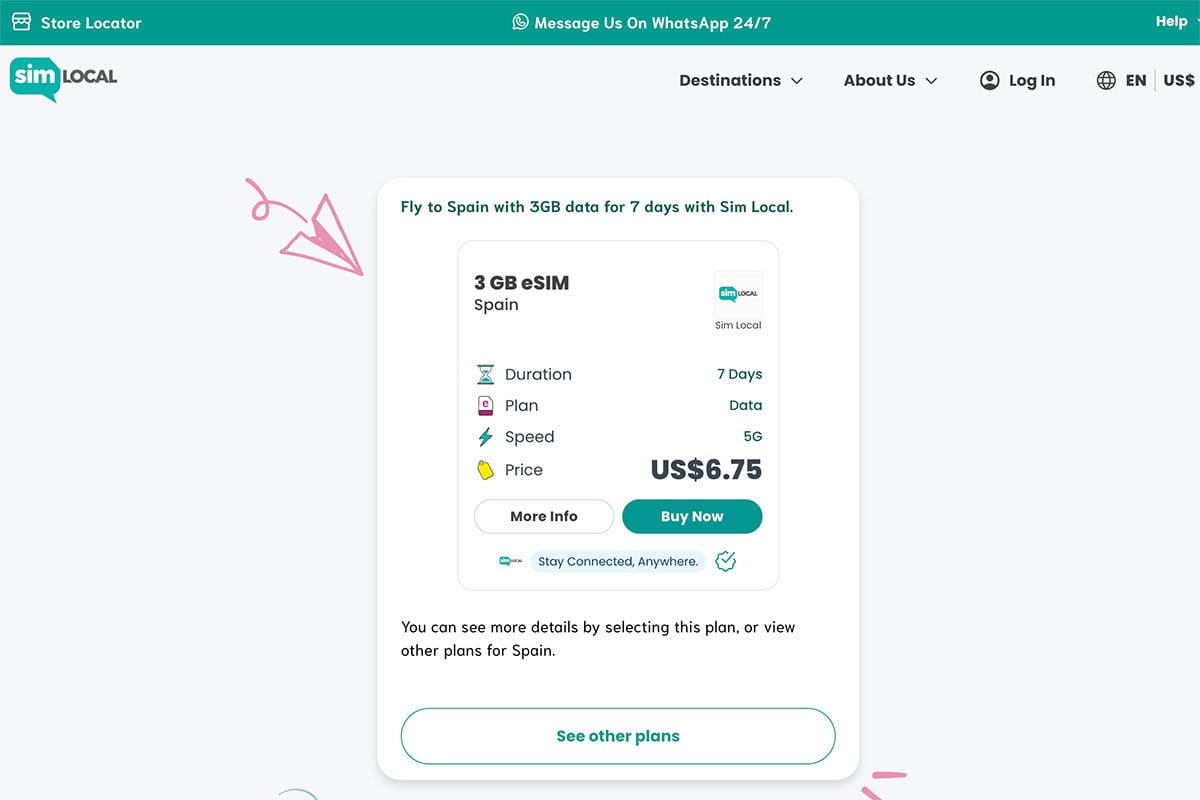
I tested a Sim Local eSIM on my recent trip to Spain, and I was so thankful I had it. My regular phone plan only gives me up to 256 Kbps of international data, which made using Google Maps nearly impossible. And on a road trip around Mallorca, I was constantly using my phone to navigate, look up restaurants, find nearby beaches, and figure out where we were going next.
My partner was relying on the international data included with our regular phone plan, and he basically didn’t use his phone unless we were connected to Wi-Fi. It really drove home for me how much of a difference having a separate eSIM can make when you’re traveling.
With the Sim Local eSIM, I had 4G and 5G coverage everywhere we traveled, so I could use my phone normally without having to think about whether I’d be able to find Wi-Fi.
Another thing I look for when choosing a travel eSIM is how easy it is to actually get it onto my phone. There’s not much point in finding a good plan if the installation process is confusing.
Sim Local offers several ways to install an eSIM, including a one-click option through its app, a QR code, or manual installation. The app also lets you manage your plans and keep an eye on your data usage.
Sim Local has been around for 15 years and has served more than 4 million customers, which makes me feel more secure knowing I’m purchasing from an established company.
If you want to see what plans are available for your next trip, you can browse Sim Local’s eSIM options here.
How to Choose a Sim Local Plan
There are a lot of different plans, and the right one really depends on how you use your phone when you travel.
Before choosing a plan, you’ll want to answer these questions:
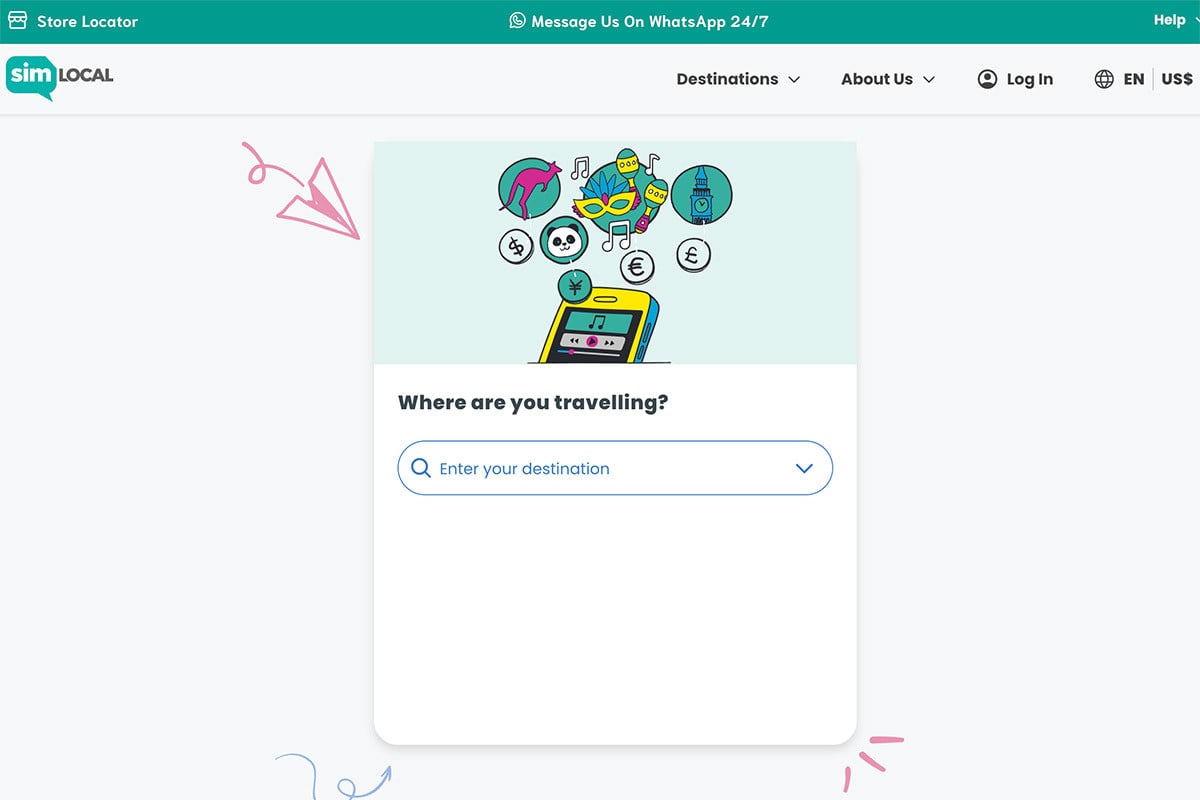
Where am I going?
Sim Local has destination-specific plans as well as options that cover multiple destinations, so start by choosing the country or region where you’ll be traveling.
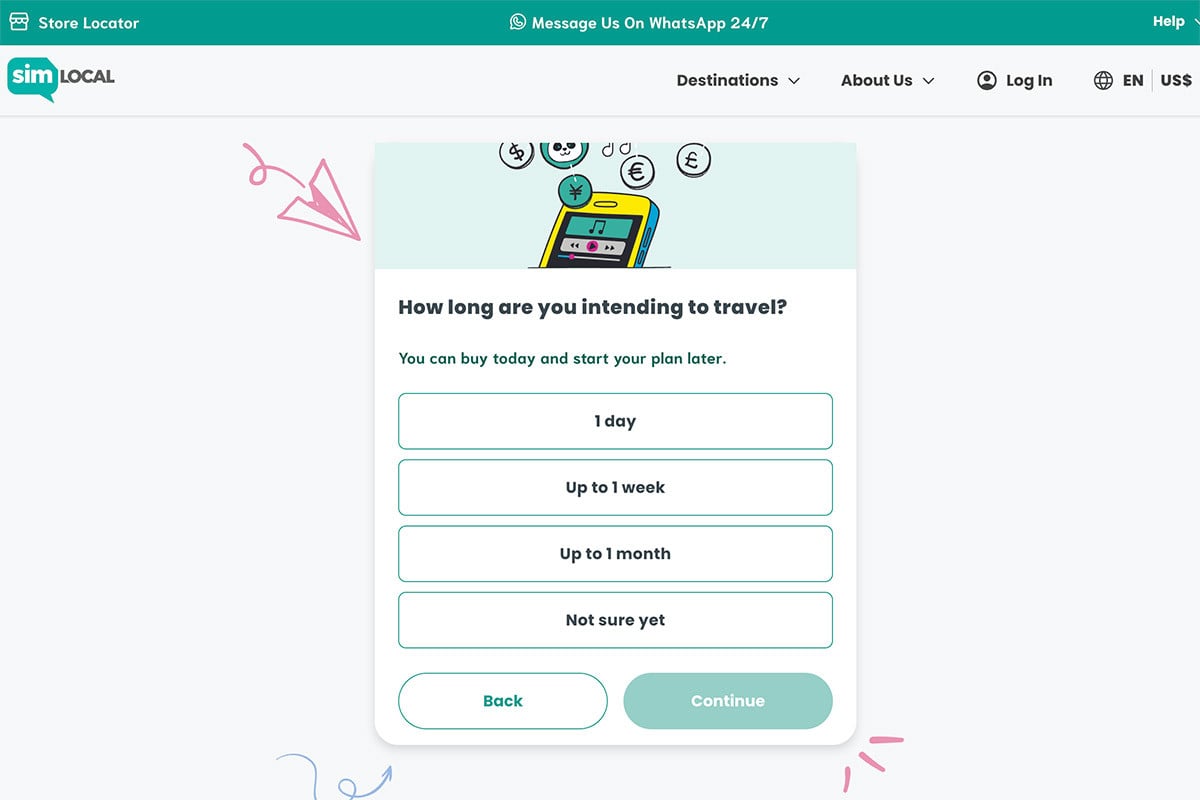
How long will I be there?
A three-day city break and a month-long trip obviously require different plans. Make sure the validity period covers your entire trip rather than assuming you can simply add more time later.
How much data do I actually use?
This is where things can get a little confusing, so I’ll break it down below.
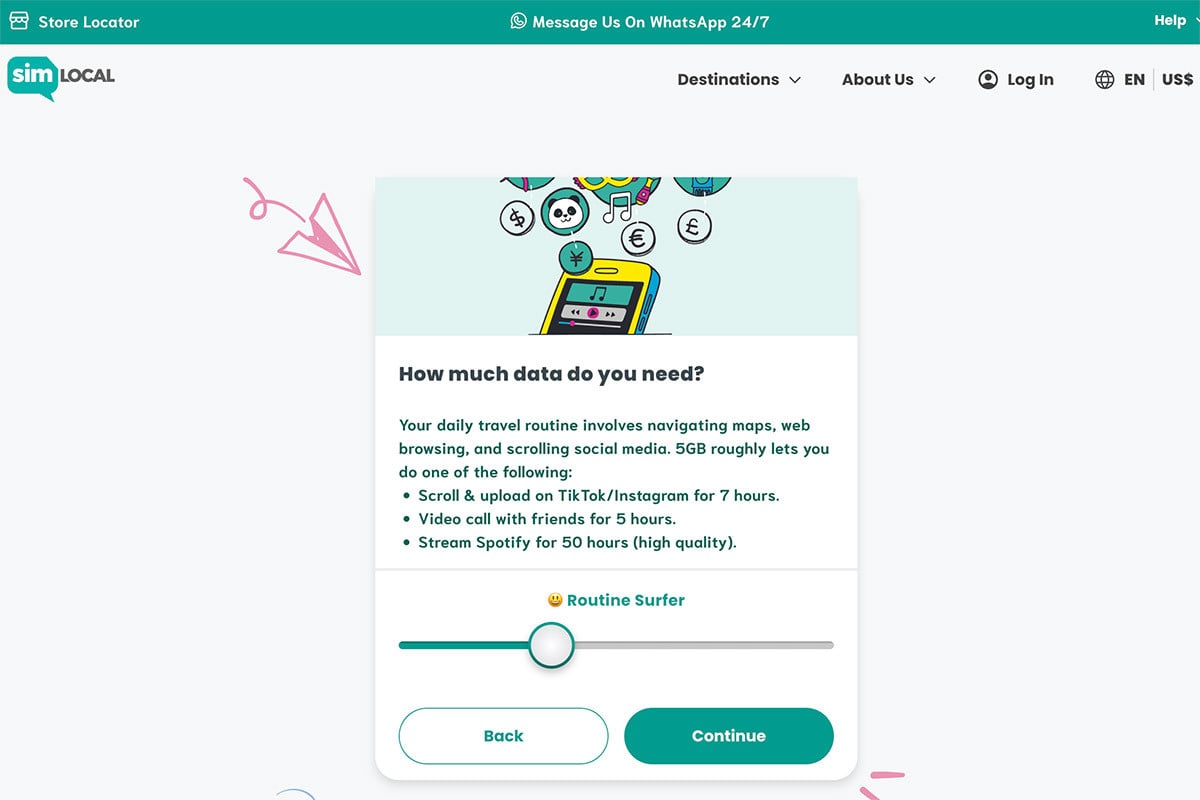
Not sure which plan you need? Sim Local’s Find My Plan tool walks you through four questions and helps narrow down the options based on your trip and data needs.
How Much eSIM Data Do You Need for Travel?
If you mostly use your phone for Google Maps, checking restaurant hours, messaging, email and occasional social media, you probably don’t need a huge data plan.
If you’re uploading a lot of photos and videos, using your phone as a hotspot, working while traveling or streaming video, you’ll go through data much faster.
One easy way to figure this out is to look at your current phone usage before your trip. Most phones will show you how much cellular data you typically use each month.
I’d rather spend a few minutes checking that than blindly choosing the biggest plan available.
And if you’re somewhere in between, remember that you can often top up your data rather than starting over with an entirely new eSIM. Sim Local offers top-up options on eligible plans.
Buying a Sim Local eSIM
Once you know where you’re going and how much data you want, the actual purchase process is pretty straightforward.
You choose your destination, select a plan and complete the purchase online. Sim Local then provides the instructions for installing your eSIM through the app or by email.
This is one of the reasons I prefer the idea of getting an eSIM before a trip rather than trying to figure out a local SIM card after landing.
With an eSIM, you can get the setup out of the way ahead of time.
There are a couple of things you do want to check before buying, though. Your phone needs to support eSIMs and it needs to be carrier unlocked. You’ll also want a reliable Wi-Fi connection when you install the plan.
Installing My Sim Local eSIM
This was the part I was most interested in trying because, if you’ve never installed an eSIM before, this is probably where you’re wondering how complicated it’s going to be.
Sim Local’s easiest option is its one-click installation through the app on compatible devices. After purchasing your plan, you can sign into the app using the same email address you used for your purchase, find your eSIM under your plans, and select the option to install it.
If your device or plan doesn’t support one-click installation, you can also install it using a QR code or manually enter the activation details.
Once the eSIM is installed, you’ll see it listed alongside your regular SIM in your phone’s cellular settings.
That’s actually one of the things I like about using an eSIM. You don’t have to physically remove your normal SIM card and worry about losing that tiny little piece of plastic somewhere in your suitcase.
Read more: 65 Best Travel Tips To Save Money & Travel Like A Pro
What Happens After You Install a Travel eSIM?
Installing the eSIM is only part of the setup. You also need to make sure your phone knows which line you want to use for mobile data when you arrive.
On an iPhone, that means going into your cellular settings and selecting the new travel plan under Mobile Data. Sim Local recommends turning off Data Switching and enabling Data Roaming for the travel eSIM. If your plan includes calls and texts, you can also select the travel plan as your default voice line.
The nice thing is that you can do all of this before you actually need the service.
Depending on the plan, activation generally happens when you arrive at your destination, so you don’t need to start using your travel data while you’re still at home. Sim Local recommends installing the eSIM shortly before your trip and following the activation instructions for your particular plan.
A Few Things to Know Before Buying a Travel eSIM
There are a few things I would check before purchasing any travel eSIM, including Sim Local.
Make sure your phone is unlocked.
If your phone is locked to a specific carrier, you may not be able to use another provider’s eSIM.
Check that your phone supports eSIM.
Most newer phones do, but it’s worth checking your specific model before buying.
Look at exactly what the plan includes.
Not every eSIM is the same. Some are data-only, while others include calls and texts. Some plans allow hotspot use, and the amount of data and validity period can vary.
Read more: Airport Wi-Fi vs. eSIMs: Which gets you online faster after landing?
Is Sim Local a Good eSIM for Travel?
For me, the biggest benefit of a travel eSIM is flexibility.
If your current phone plan does not include international data, I highly recommend buying an eSIM.
Sim Local has plans available in 220+ destinations, with different amounts of data and price points depending on what you need. It’s one of the best options I’ve found for affordable and reliable international data.
I also appreciated how easy Sim Local was to set up. Having a straightforward buying and installation process was a big plus for me.
If you’re considering an eSIM for an upcoming trip, you can take a look at Sim Local’s plans here. And if you decide to give it a try, use code ORDINARYTRAVEL for a 5% discount off your eSIM plan.
FAQ
An eSIM is a digital SIM card that’s built into your phone, so you don’t need to insert a physical SIM card to connect to a mobile network.
For travel, I find an eSIM more convenient because you can purchase and install it before you leave home without having to find a local SIM card after you arrive. You also don’t have to remove your regular SIM card.
On compatible phones, yes. You can have your regular SIM and a travel eSIM installed at the same time and choose which line you want to use for mobile data.
Yes. Your phone needs to be carrier unlocked in order to use an eSIM from another provider.
Yes, depending on the plan. Some eSIMs are designed for a single country, while others cover multiple countries within a region or even multiple regions around the world. If you’re visiting more than one country, check the coverage before purchasing.
As an Amazon Associate I earn from qualifying purchases. I’m also a member of other affiliate programs. For more info please read my Privacy Policy